
中小企業AI「Claude for Small Business」で学ぶビジネス英語ニュース読解
中小企業向けAI「Claude for Small Business」の発表を題材にしたビジネス英語学習教材。社内メモ読解、要約、ディスカッション、面接対策まで、最新ニュースで実践的な英語力を鍛えます。

AIエンジニア / IT歴36年以上・海外在住13年以上のCEFR B1英語学習者
When a Toggle Replaces the Weekend: "Claude for Small Business" and the Build-vs-Buy Line
AnthropicのAI新機能を題材に、社内メモを読み解き、自動化のトレードオフを英語で説明する力を磨きます。最新ニュースで実践的なビジネス英語を身につけましょう。
Part 1: 読む → 要約する
Step 1: Pre-Reading — ビジネスの文脈で考える (3 min)
外資系IT企業の月曜朝。チームミーティングで、上司が「先週Anthropicが中小企業向けのAI機能を発表したらしい。うちのクライアントにも関係しそうだから、誰か内容を共有してくれる?」と全員に問いかけました。あなたは手を挙げて、英語でポイントを説明することになりました。
読む前に、次の3つの問いについて30秒ずつ考えてみましょう。
Q1. What kinds of repetitive tasks take the most time at a small business? (中小企業のオーナーが最も時間を取られる「繰り返し作業」とは何でしょうか。請求や月末処理などを思い浮かべてみましょう。)
Q2. When a new tool can automate your work with one click, what is the hidden cost? (ワンクリックで作業を自動化できるツールの「見えないコスト」とは何か、考えてみましょう。)
Q3. Why might a company sell its product in smaller cities instead of big tech hubs? (大都市ではなく地方都市で製品を売り込む戦略には、どんな狙いがあるでしょうか。)
Step 2: First Reading — 全体を把握する (10 min)
以下の英文は、ニュース記事の事実をもとに作成したビジネスシナリオ文書です。実際の職場でこのような文書を読む場面を想像しながら、英文を読み進めましょう。
INTERNAL BRIEFING MEMO
To: Regional Leadership Team, SMB Advisory Practice From: Operations Strategy Office Date: May 28, 2026 Subject: Update on "Claude for Small Business" — Review Requested by June 12
1. Purpose This memo summarizes a product launch that may affect how we advise our small-business clients on automation. Please review and send comments before our June 12 planning call.
2. What was announced On Tuesday, May 13, Anthropic launched a feature called Claude for Small Business. It installs as a single toggle inside Claude Cowork, so owners do not need to write code or hire an engineer. The package ships with 15 ready-to-run workflows and 15 skills, built around the repetitive tasks that owners report as their biggest time drain. It connects directly to common tools, including QuickBooks, PayPal, HubSpot, Canva, DocuSign, Google Workspace, and Microsoft 365. According to Anthropic, the workflows are included at no extra charge beyond the existing Claude license — they are not sold separately. Co-founder and president Daniela Amodei framed the goal simply: people run the business, and the model handles the late-night work.
3. Why it matters to our clients The clearest winners are owners who never built their own systems. Tasks that once required a technical partner or an outside consultant now sit behind a switch. However, owners who already built custom tools face a different decision: they may save time, but they accept a new dependency on another company's product roadmap. We should help each client estimate that trade-off before they commit.
4. The open risk Anthropic's own research found that half of small-business owners name data security as their top concern. The product answer is that every workflow is owner-initiated, and nothing is sent, posted, or paid without approval. This is a reasonable design today. Still, we should watch whether approval steps remain manageable as the number of workflows grows.
5. Recommended action Note that Anthropic is touring smaller cities — Tulsa, Baton Rouge, Birmingham, and Indianapolis — and partnering with community lenders such as Accion Opportunity Fund. Distribution is moving through trusted local institutions. Sarah's team will draft a one-page client guidance note by June 9.
Thank you. — Operations Strategy Office
Data sourced from: Forbes JAPAN — "中小企業向けAI「Claude for Small Business」が変えた自動化の常識" (2026.05.29)
Note: The above is an original business scenario created for learning purposes using publicly available facts. Please read the original article at the link above for the full report.
関連: AIに頼りきりの人とAIを操る人の決定的な差|発音が変えるビジネス英語のキャリア で詳しく解説しています。
Step 3: Comprehension Check — 内容確認 (5 min)
Q1. How does Claude for Small Business install, and what does that mean for the owner? (インストール方法と、それがオーナーにとって何を意味するか。)
Q2. How many workflows and skills does the package include? (パッケージに含まれるワークフローとスキルの数は?)
Q3. Name three of the tools that the feature connects to. (連携先のツールを3つ挙げてみましょう。)
Q4. According to the memo, who benefits most clearly, and who faces a trade-off? (最も明確に恩恵を受けるのは誰で、トレードオフに直面するのは誰でしょうか。)
Q5. What is the security concern, and how is it addressed for now? (セキュリティ上の懸念と、現時点での対処方法は?)
関連: AI時代のビジネス英語実践|日本人ビジネスパーソンはAIと英語をどう使うべきか で詳しく解説しています。
Step 4: 30-Second Briefing — 上司に30秒で説明する (10 min)
エレベーターで上司とばったり。「さっきの記事、結局どういうこと? 30秒で教えて」と聞かれました。要点だけを、自分の言葉で英語にまとめて伝えましょう。
下のフレームワークの空欄を、自分の言葉で埋めてみましょう。
| 要素 | テンプレート | あなたの英文 |
|---|---|---|
| What | Anthropic launched ____ on ____. | |
| How | It installs as ____ inside ____, so owners ____. | |
| Includes | The package comes with ____ workflows and ____ skills. | |
| Trade-off | The win is ____, but the hidden cost is ____. | |
| Takeaway | For us, this means we should ____. |
Tip: 記事の英語をそのまま暗記して話すと、不自然で覚えにくくなります。"toggle install" を "one-click setup"、"dependency" を "relying on another company" のように、自分が普段使う簡単な言葉に言い換える(パラフレーズ)と、その場で柔軟に話せるようになります。
Part 2: 語彙・表現・発音
1. workflow (n.) — 一連の作業の流れ、ワークフロー
- Example: We automated the monthly billing workflow to save two hours each week.
- (月次請求のワークフローを自動化して、毎週2時間を節約しました。)
- 外資系シーン: プロセス改善やDXの会議で頻出。"map the workflow"(作業フローを図にする)、"streamline the workflow"(流れを効率化する)の形でよく使われます。
- 発音メモ: 「ワーク」を強く、「フロー」を弱めに。前half に強勢を置くと自然に聞こえます。
2. connector (n.) — 連携機能、接続ツール
- Example: The connector links our accounting software to the new AI tool.
- (そのコネクターは、会計ソフトと新しいAIツールをつなぎます。)
- 外資系シーン: SaaSやAPI連携の話題で必須。"native connector"(標準搭載の連携)、"build a connector"(連携を作る)という言い回しが定番です。
3. friction (n.) — 摩擦、(導入や利用を妨げる)手間・障害
- Example: A single toggle removes most of the friction of setting up automation.
- (トグル1つで、自動化を設定する手間のほとんどが取り除かれます。)
- 外資系シーン: UXやオンボーディングの議論で多用。"reduce friction"(障害を減らす)、"a frictionless experience"(手間のない体験)と使います。
- 発音メモ: 「フリク」を強く、語尾の「ション」は軽く。
4. dependency (n.) — 依存、依存関係
- Example: Using one platform for everything creates a dependency on its roadmap.
- (すべてを1つのプラットフォームで賄うと、その開発方針への依存が生まれます。)
- 外資系シーン: 戦略・リスク管理の文脈で重要。"vendor dependency"(特定ベンダーへの依存)、"reduce our dependency on ~"(〜への依存を減らす)という形がよく出ます。
5. trade-off (n.) — トレードオフ、何かを得るために何かを手放すこと
- Example: The trade-off is clear: you save time but give up some control.
- (トレードオフは明確です。時間を節約できる一方で、ある程度の主導権を手放します。)
- 外資系シーン: 意思決定の場で最頻出語のひとつ。"weigh the trade-offs"(トレードオフを比較検討する)、"there's a trade-off between A and B" の形で使えると説得力が増します。
Fill-in-the-blank exercise
次の文の空欄に、上の語彙から最も適切なものを入れましょう(形を変えてもかまいません)。
Q1. We need to ____ the friction in the sign-up process so more users finish it. (より多くのユーザーが完了できるよう、登録プロセスの手間を減らす必要があります。)
Q2. Relying on a single vendor creates a long-term ____ that the board should review. (単一ベンダーへの依存は、取締役会が確認すべき長期的なリスクです。)
Q3. Every ____ between our CRM and the AI tool must be tested before launch. (CRMとAIツールをつなぐ各連携機能は、公開前にテストが必要です。)
Q4. There is always a ____ between speed and quality; we have to decide what matters more. (スピードと品質の間には常にトレードオフがあり、どちらを優先するか決める必要があります。)
Part 3: 自分の意見を述べる
Discussion Topic A
Question: Is it better for a small business to build its own automation tools or to buy a ready-made package? Why? (中小企業は自社で自動化ツールを作るべきか、既製のパッケージを買うべきか。理由とともに述べましょう。コスト・スピード・主導権の観点が使えます。)
Discussion Topic B
Question: The product makes every workflow owner-initiated and requires approval before any action. Do you think this approval step will still work well when there are many workflows? Why or why not? (すべての処理にオーナーの承認を必須とする設計は、ワークフローが増えても機能し続けるでしょうか。「承認疲労」の観点から考えてみましょう。)
Discussion Topic C
Question: Anthropic is promoting the product in smaller cities through trusted local institutions. Is this a smart strategy for reaching small businesses? How would you reach them in your own market? (信頼される地域機関を通じて地方都市で広める戦略は有効か。あなたの市場ならどう届けるかも考えてみましょう。)
Useful phrases
| English | Japanese |
|---|---|
| In my view, the bigger benefit is ... | 私の考えでは、より大きな利点は〜です |
| It depends on how much control you want to keep. | どれだけ主導権を保ちたいかによります |
| One risk we should not ignore is ... | 見過ごすべきでないリスクの一つは〜です |
| On balance, I would lean toward ... | 総合的に見ると、私は〜寄りです |
| That works in the short term, but over time ... | 短期的には有効ですが、長期的には〜です |
Part 4: 面接対策 — 外資系で差をつける
Scenario A — 経験を語る
Interviewer: Tell me about a time you automated a manual process. What was the result? (手作業のプロセスを自動化した経験を、結果まで含めて話してみましょう。数字で成果を示すと効果的です。)
Scenario B — 判断力を問う
Interviewer: If a vendor offered a one-click tool that replaced a system your team built, how would you decide whether to adopt it? (自社で作ったシステムを置き換えるワンクリックツールを提案されたら、採用の可否をどう判断するか。トレードオフを言語化しましょう。)
Scenario C — リスク認識を見る
Interviewer: Half of small-business owners say data security is their top AI concern. As an advisor, how would you address that with a client? (中小企業の半数がデータセキュリティを最大の懸念とする中、アドバイザーとしてどう対応するか。承認フローや段階的導入に触れられると良いです。)
Common Mistakes (NG patterns)
NG 1: 記事の文を丸暗記してそのまま話す
- ❌ "The friction floor changed, not the friction ceiling."
- ⭕ "What changed is that setup became much easier, not that the tool can do more."
- 記事の凝った表現を借りても、意味を自分で説明できなければ評価されません。平易な自分の言葉に直しましょう。
NG 2: メリットだけを語り、トレードオフに触れない
- ❌ "It's great because it saves a lot of time."
- ⭕ "It saves a lot of time, but it also creates a dependency we need to weigh."
- 外資系の面接では、利点と同時にリスクを示す「バランスの取れた判断」が高く評価されます。
NG 3: 主語と結論があいまいで、誰が何をするのか不明確
- ❌ "Maybe it could be useful for some situations, I think."
- ⭕ "I would recommend it for owners who have no technical team."
- はっきりと主語と推奨を述べると、意思決定者としての印象が強まります。
NG 4: 成果を数字で示さない
- ❌ "I made the process faster."
- ⭕ "I cut the monthly closing process from three hours to about forty minutes."
- 「速くした」ではなく、具体的な数字で語ると説得力が一気に上がります。
活用のコツ(3 Tips)
1. 自社の「繰り返し作業」を1つ棚卸しして、自動化候補としてメモする。 記事のオーナーたちと同じく、まず月末処理や請求追跡など毎週時間を奪う作業を1つ特定すれば、AI導入の議論を具体的な業務改善に落とし込めます。
2. 新しいツールを検討するときは「利点」と「依存リスク」を必ずセットで書き出す。 時間短縮という利点の裏で、他社のロードマップへの依存という見えないコストが生じるため、両方を1枚に並べてから判断すると、上司や顧客への提案が一段と説得力を持ちます。
3. 英語ニュースは「30秒で言い換える」練習素材として使う。 読んだ記事を毎回30秒で自分の言葉に要約する習慣をつければ、専門用語に頼らず本質を伝える力が鍛えられ、会議や面接でそのまま使えます。
Bonus: プロナビレッスンでの活用法
レッスン前 (20min) Part 1のStep 1〜2に取り組み、Pre-Readingの3つの問いに自分なりの答えをメモしてから、Step 2のブリーフィングメモを音読します。意味の取れない語彙はPart 2で先に確認し、Step 4のフレームワークの空欄を埋めて「30秒ブリーフィング」の下書きを用意しておきましょう。
レッスン中 (25min) コーチの前で「30秒ブリーフィング」を実演し、フィードバックを受けて言い換え(パラフレーズ)を改善します。続いてPart 3のディスカッションでA〜Cのいずれかを選び、Useful phrasesを使って意見を述べる練習を行い、Part 4の模擬面接で実戦的な受け答えを磨きます。
レッスン後 (15min) レッスンで指摘された言い換えや発音をメモに反映し、Part 4のNGパターンを参考に自分の回答を書き直します。最後に「活用のコツ」の1番に沿って、自社の繰り返し作業を1つ選んで自動化候補として書き出し、次回までに英語で1分間説明できるよう準備しましょう。
参考・出典
この記事を書いた人
サイト運営・日本語サポート担当 / AIエンジニア
- ●東京都出身・海外在住13年以上
- ●IT歴36年以上(開発・SEO・AI)
- ●IBM認定 生成AIエンジニア
- ●CEFR B1の英語学習者(今も学習中)
外資系の現場で「英語が話せず評価が伸びない」苦しさを経験し、海外移住後も印刷所で「copy」が通じないような発音の壁に何度もぶつかってきました。今もプロ講師の指導を受けながら学習を続ける一人として、AI時代でも英語で悩む日本人ビジネスパーソンに向けて、現場目線で記事を書いています。日本語でのご相談やお問い合わせも私が担当します。
関連記事
GMO在宅勤務「完全廃止」を英語で説明する|ニュースで学ぶビジネス英語教材
GMOの在宅勤務「完全廃止」ニュースを教材化。英文社内メモの読解、上司への30秒説明、頻出語彙、面接想定問答まで収録し、働き方トレンドを語れるビジネス英語力を鍛えます。無料の英語学習教材です。
2026/7/14

三菱UFJが時価総額首位に|40年ぶりの「金融復権」を英語で語るビジネス英語教材
三菱UFJが時価総額首位、1986年以来40年ぶりの金融復権。このニュースを教材に、市場・金利・株主還元を語るビジネス英語を学習。社内メモ読解、30秒要約、ディスカッション、外資系面接対策まで実践形式で身につく無料教材です。
2026/7/13
Apple対OpenAI訴訟で学ぶビジネス英語|営業秘密と情報管理を英語で語る実践教材
AppleによるOpenAI提訴のニュースを教材化。営業秘密・情報管理をテーマに、社内メモの読解、上司への30秒説明、重要単語、ディスカッション、面接対策まで実践的に学べるビジネス英語学習コンテンツ。外資系で働く日本人ビジネスパーソンの英語力を鍛えます。
2026/7/12
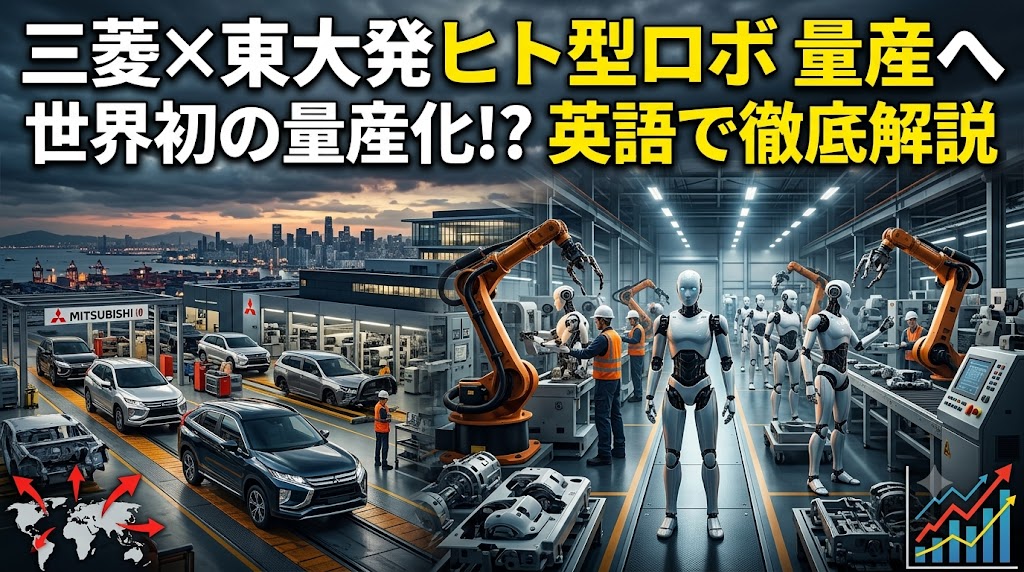
三菱自動車×東大発Highlandersのヒト型ロボット量産提携で学ぶビジネス英語教材
三菱自動車と東大発Highlandersのヒト型ロボット量産提携ニュースで学ぶビジネス英語教材。mass productionなど頻出語彙、30秒ブリーフィング、外資系面接対策まで実践的に学べる英語学習コンテンツです。
2026/7/11
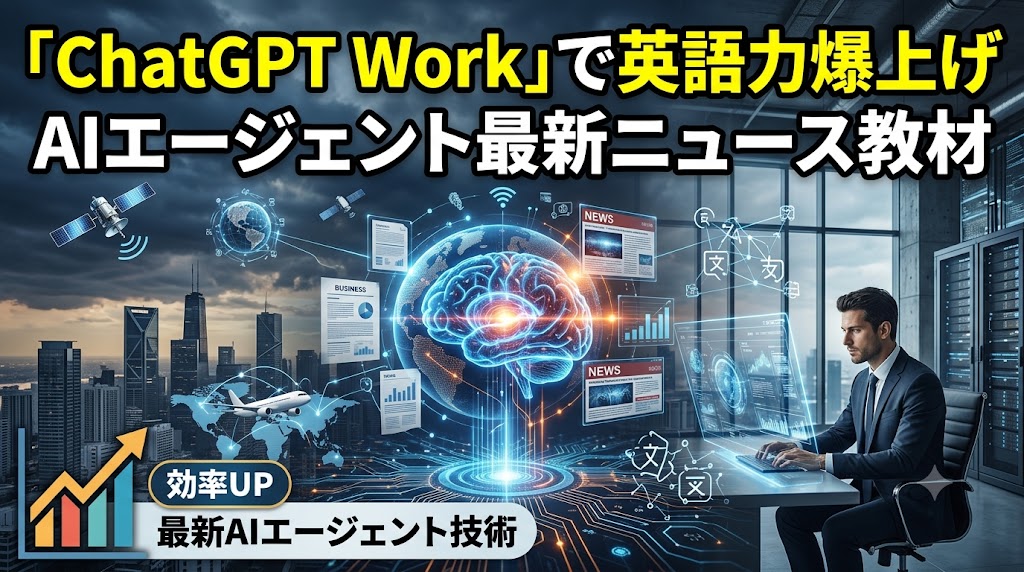
OpenAI「ChatGPT Work」で学ぶビジネス英語|AIエージェント最新ニュース教材
OpenAIの「ChatGPT Work」とGPT-5.6を題材にしたビジネス英語学習教材。社内メモ読解や30秒ブリーフィング、面接対策を通じて、AI時代の職場で使える実践英語を身につけます。
2026/7/10
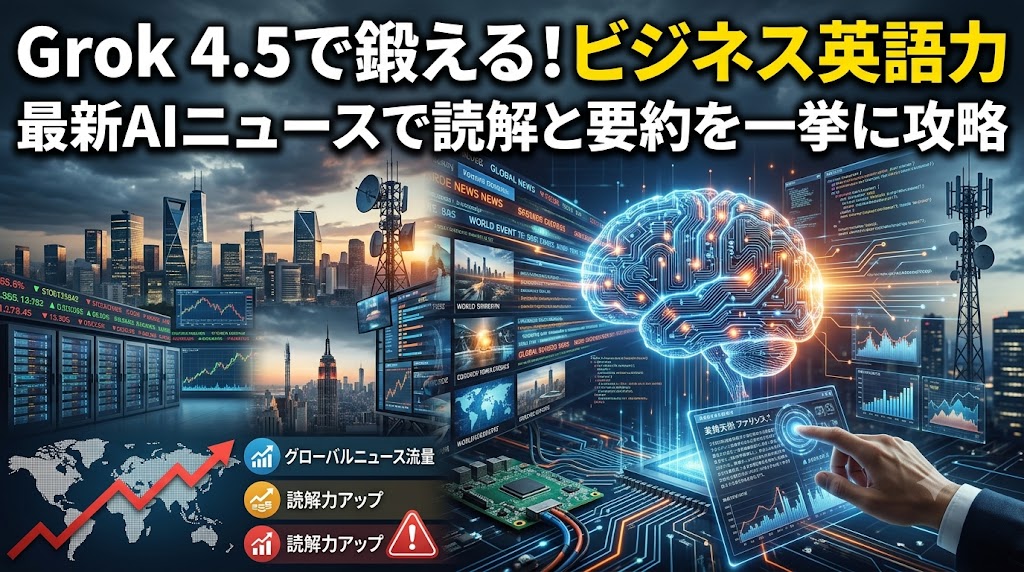
Grok 4.5で学ぶビジネス英語|AI最新ニュースで鍛える読解と要約力
話題のAIモデル「Grok 4.5」の英語ニュースを教材化。社内ブリーフィングメモの読解、要約、面接対策まで。最新テックニュースで実践的なビジネス英語を学びたい方へ。
2026/7/9